Documents
Documents keep the show files close to the live workspace. Use them for plans, schedules, operating procedures, contact sheets, and other event files people need during the day.
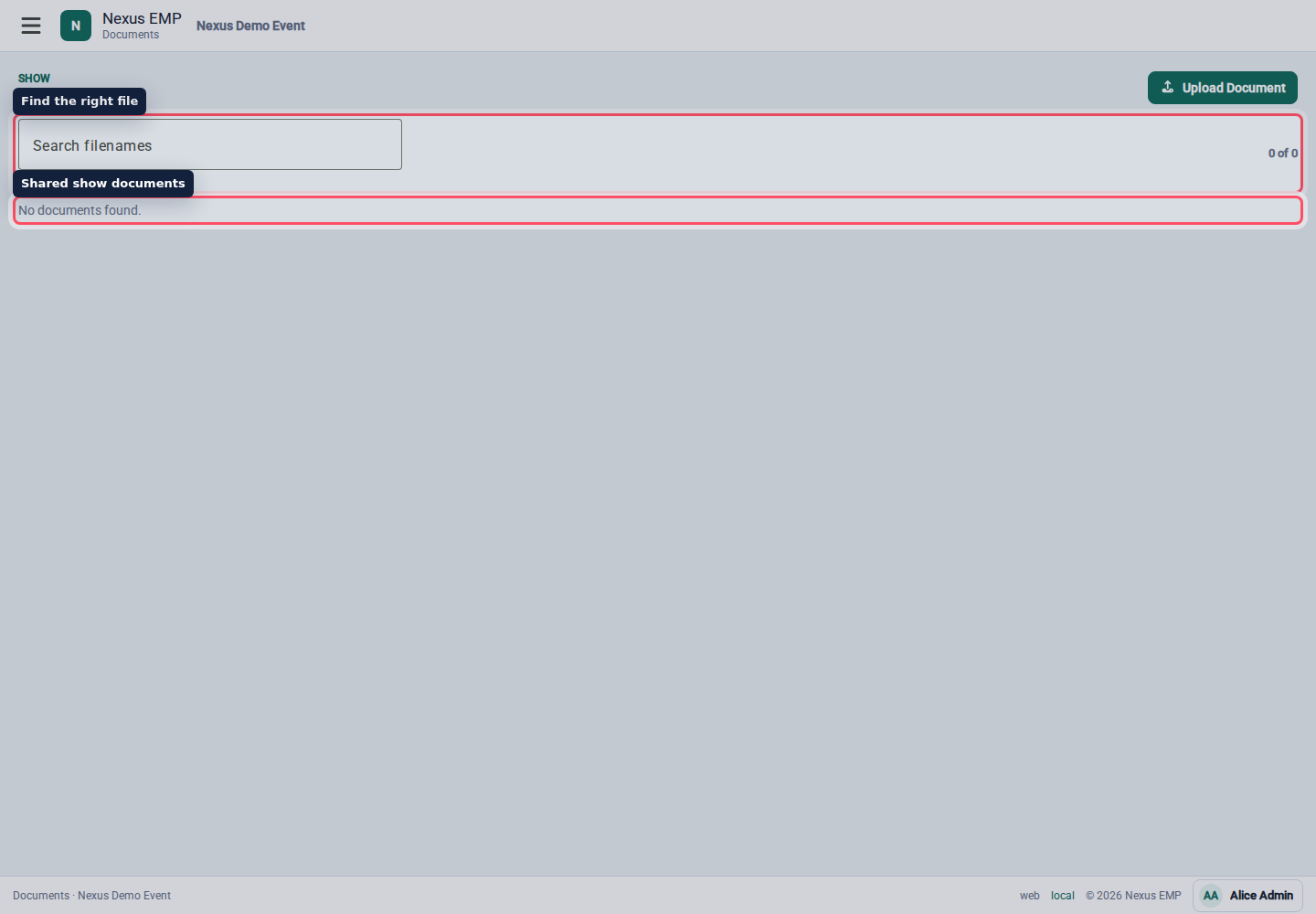
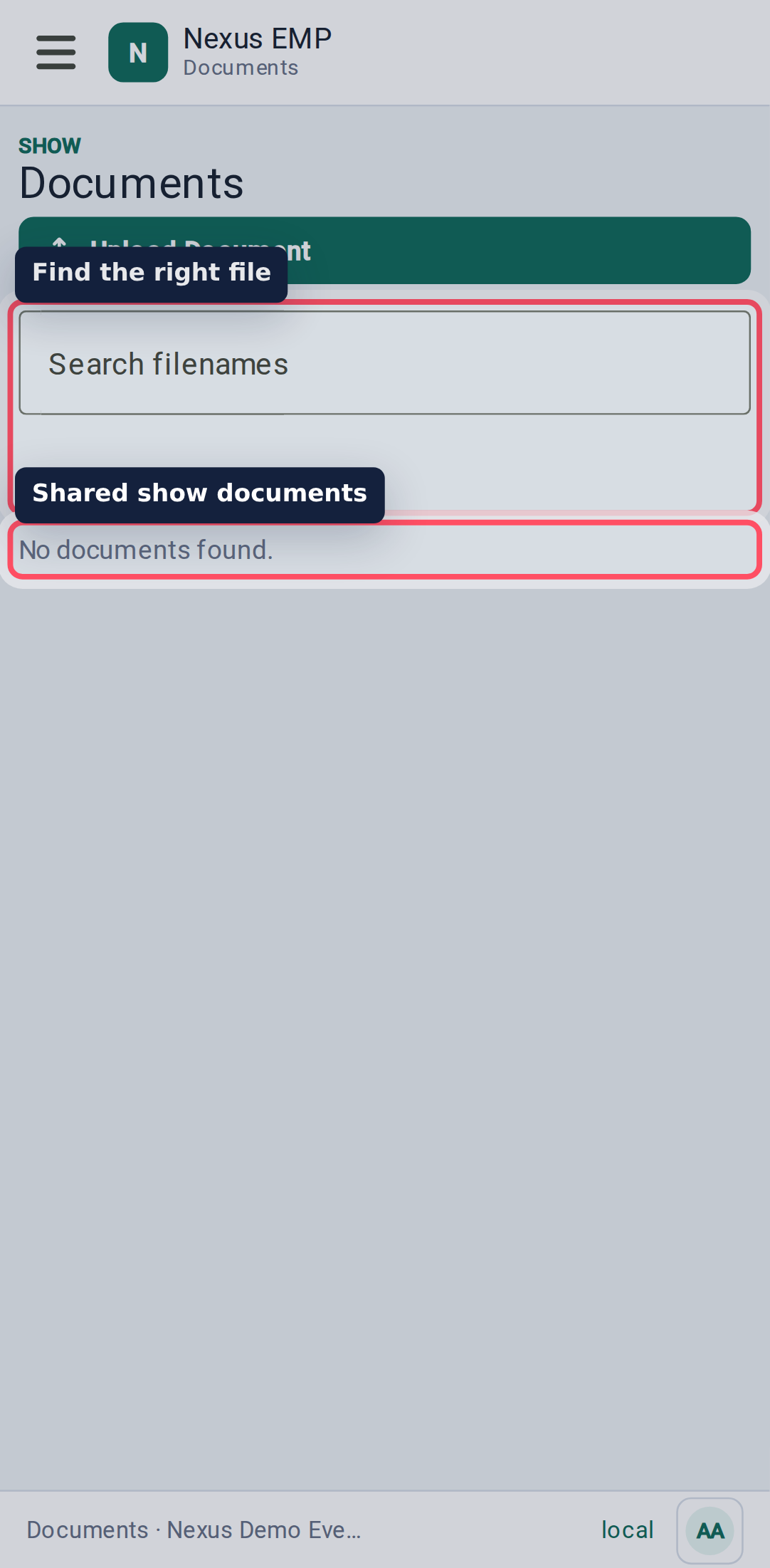
Find a file
Use Search filenames to narrow the list. The result count shows how many files match.
Open the filename to download or view the document in a new browser tab, depending on file type and browser behaviour.
Upload, replace, and archive
If your role can manage documents, you will see upload, replace, and archive actions.
- Upload adds a new document.
- Replace keeps the document record but creates a new version.
- Archive removes it from the active document list.
Replace a document when it is the same plan with a newer version. Upload a new document when it answers a different question.
Previews
Some documents can show thumbnails when the preview worker has processed them. If a preview is not available, Nexus still keeps the download link and metadata.
The Documents module is permission and module gated. If the page is missing for a user, check event module status and the user's document role.