Search, filters, and merge
Search helps a controller answer the question that always comes up mid-show: "Have we already got a log for this?"
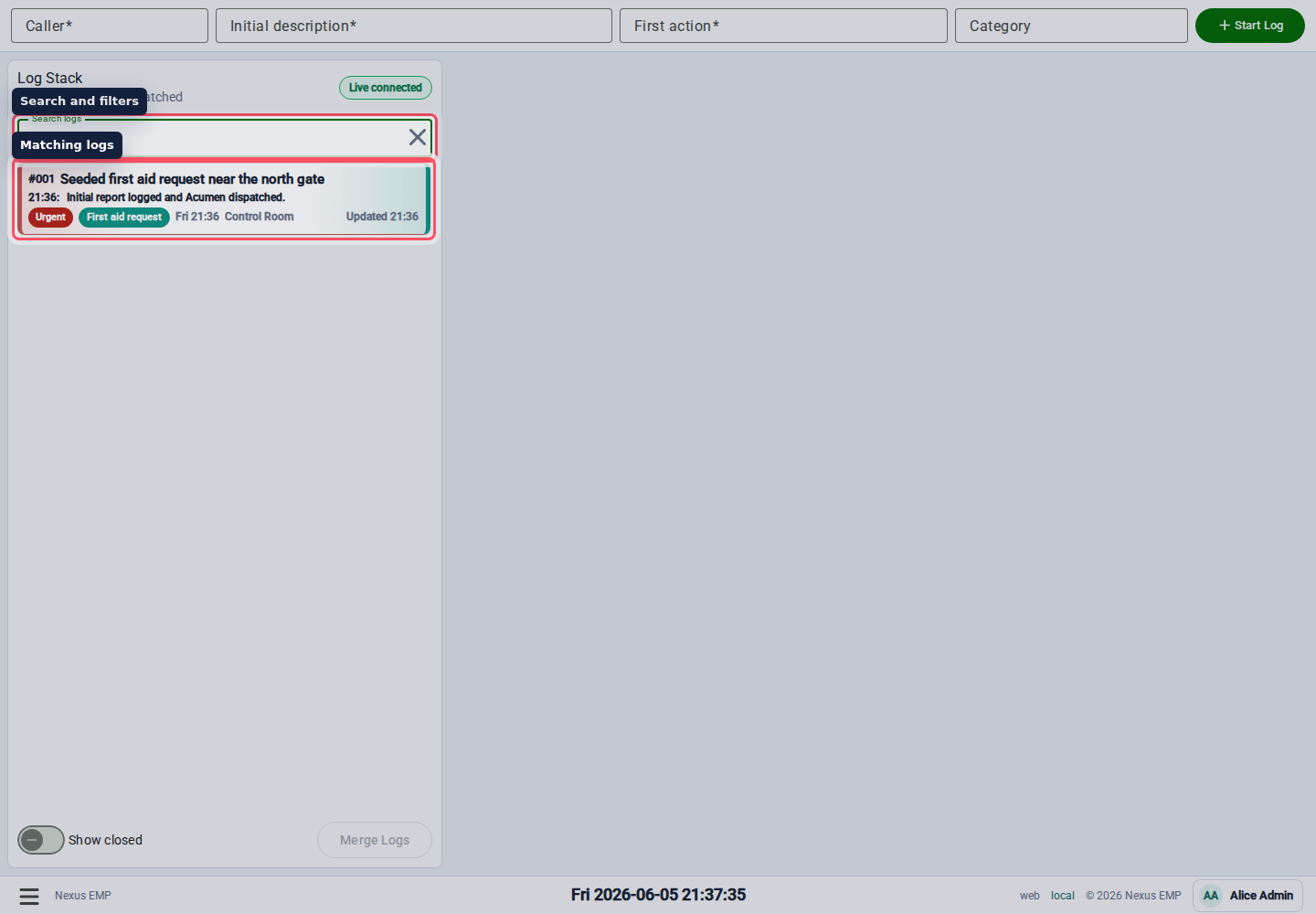
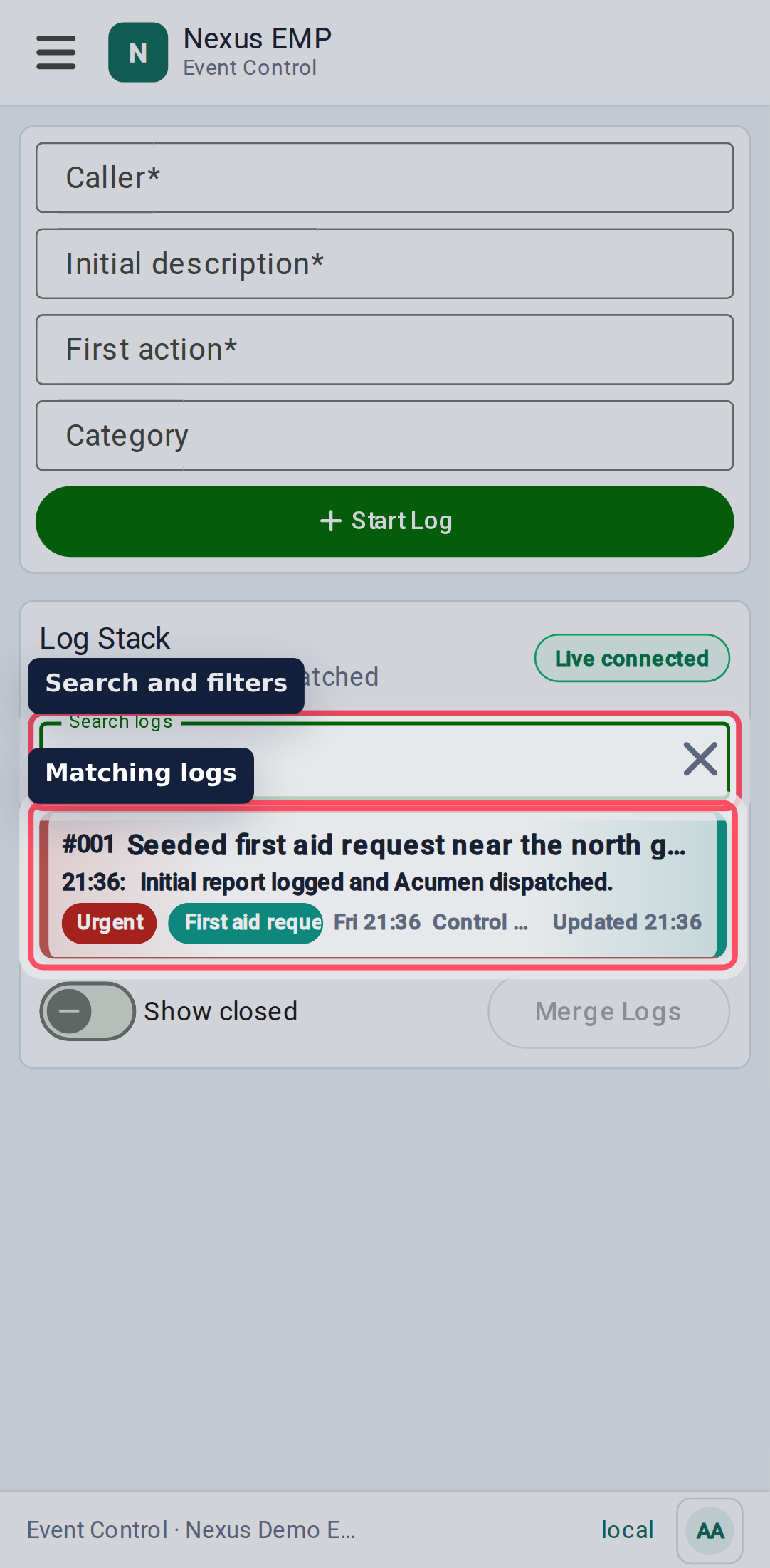
Search the stack
Use the search field above the log stack. Search text looks across the log data Nexus keeps indexed for Event Control. Use it for caller names, title words, locations, category words, and other short identifiers.
To find a log by its number, enter the reference with or without its leading zeros or #. For example, 29, 029, and #029 all find log #029 and rank that exact log first.
The search controls also support showing closed logs. That matters during handover: the issue may be closed, but the answer may still be in the record. When there are more matches than the first page, keep scrolling the stack or use More Logs to load older results.
Search before creating a second log for the same issue. If the existing log is close enough, update it instead of splitting the story.
Use closed logs carefully
Closed logs can clutter a busy stack. Turn them on when you need history, then turn them off again for the active shift. This keeps the live view focused without losing the audit trail.
Use status:closed in search when you only want closed records. Show closed includes closed records in the stack; it does not hide open records.
Merge duplicates
If two logs describe the same issue, use merge mode from the stack actions. Select the duplicate logs and merge them into the keeper record.
Use merge when:
- two people logged the same caller or incident;
- a field update was created as a new log by mistake;
- a map-selected location created a second record for an existing issue.
Do not merge simply because two logs are nearby. If they need different owners or outcomes, keep them separate.
Merge is a record-shaping action. Check the details before merging and make sure the kept log still tells the full story.