Event access
Event access decides who can use each module for an event.
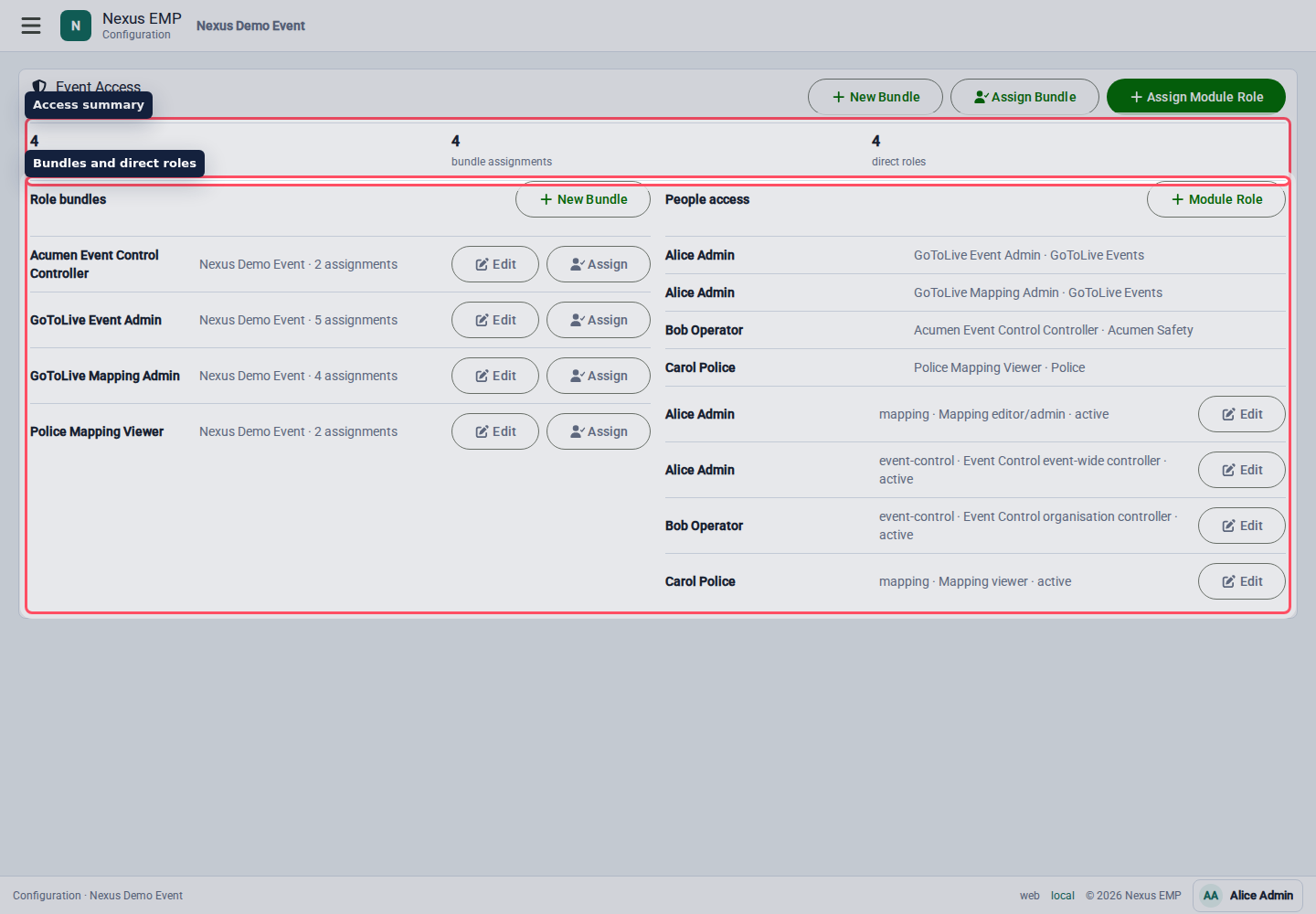
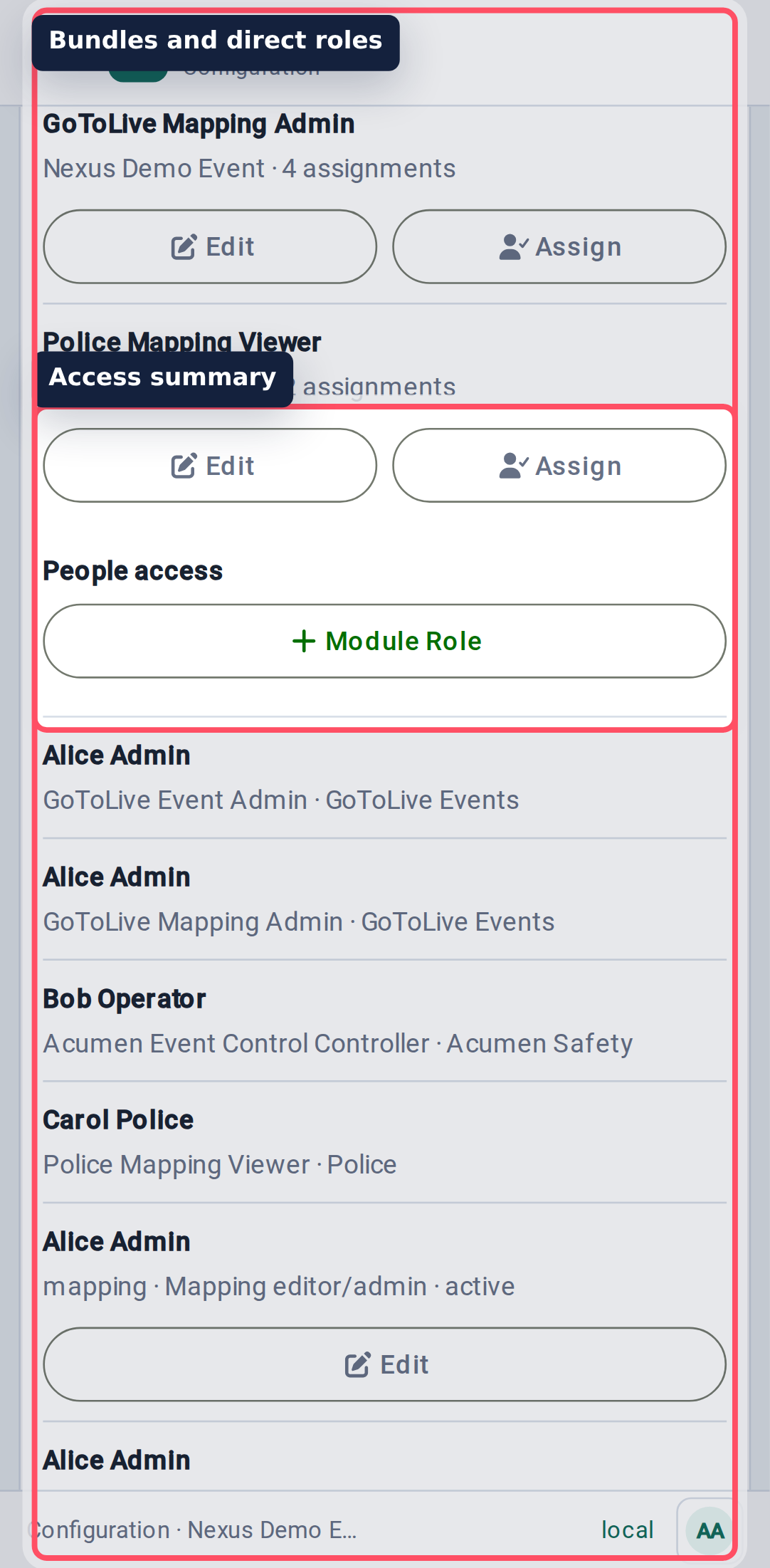
Start with role bundles
Role bundles group permissions into something humans can understand: Event Admin, Event Control Controller, Mapping Viewer, Document Editor, and similar patterns.
Use bundles when several people need the same access. Assign the bundle to the person or membership, then review access from the overview.
Invite one or many people
Select Invite People from the event access page when the recipients may not already belong to an organisation in Nexus.
- Choose Give access as. Nexus grants the selected role bundle, not a frozen list of individual permissions.
- When the event belongs to a collection and you administer its owner organisation, choose Apply access to: This event only or the entire event collection. Collection access includes events in child collections.
- Choose Send them here. For Mapping viewer, choose Mapping so the recipient reaches the map after onboarding.
- Add one editable row per person. First and last names are optional. One batch can contain up to 500 people.
- To add a list quickly, paste email addresses, display addresses, CSV, or spreadsheet rows into Paste a list. Nexus expands the paste into individual rows and suggests names where it can.
- Correct any invalid or duplicate rows, review the summary, then select Send Invitations.
Each recipient receives an individual email naming the administrator, event, and role. The first valid use of Accept invitation signs the recipient in with the invited email, supports both new and existing Nexus accounts, and claims only that invitation. A new or incomplete profile confirms its name before the selected workspace appears. Nexus then offers passkey setup; the recipient may skip it and continue using email sign-in.
An event or collection invitation creates guest access at that exact scope. It does not silently add the recipient to the event owner's organisation. A collection invitation still uses the event from which you opened Invite People as its concrete Mapping destination. Later changes to the role bundle apply to active grants, so adding Documents viewer to a customer bundle also updates the people already using that bundle.
Reusing an accepted link, or opening it after its one-click sign-in window has expired, requires normal email or passkey sign-in. Invalid, revoked, or expired invitations do not create access.
Recent invitations on the same screen shows current delivery and acceptance state and refreshes while delivery is still in progress. Use Refresh at any time, and Load more invitations to work through older batches. Use Resend for an active pending invitation. Use Revoke to make an unused link invalid and cancel queued delivery. Once accepted, the invitation has become a role grant; remove that grant from the event access overview. Resends are at least one minute apart and limited to ten per invitation. They do not reopen a one-click sign-in that was already used or expired; that recipient verifies normally by email or passkey.
Historic events remain readable, so an Event Admin can still invite a read-only bundle such as Mapping viewer after the event ends. Other event-configuration changes remain blocked unless historic writes were explicitly enabled.
Bundle ownership and assignment domain are separate. Every bundle is either an Organisation bundle or an Event bundle, and its permissions must come from that same domain. Event bundles can be granted to one event or to an event collection; collection grants cover events in that collection and its child collections. Mapping viewer is an Event bundle, while Organisation member is an Organisation bundle.
After the scoped-access upgrade, a legacy bundle whose Event permissions had no event or collection target appears as an inactive bundle ending Unscoped event permissions. It grants no access. Review its permissions, then either keep it inactive, remove it, or activate and grant it explicitly at the intended event or collection.
When you create a bundle from an event, This event is the default manager. Choose Organisation when an authorised organisation should maintain and reuse that bundle across events. Organisation managers can delegate only module-scoped Event bundles to their own organisation's members at events in which the organisation participates; collection-wide grants need organisation administration.
Bundles are the default. They are easier to audit, easier to remove, and easier to explain at 8am on show day.
Use direct module roles for exceptions
Direct module roles are for one-off cases. For example, a single person from a partner organisation might need Mapping Viewer without giving that organisation a broader bundle.
Use them sparingly. If you assign the same direct role more than a few times, create a bundle instead.
Event, collection, and platform scope
An Event bundle can be granted to one event or an event collection. This is one event-access domain with two possible targets, not two bundle types.
- Event scope is safest for live show access.
- Collection scope works when a series genuinely shares the same access model.
- Platform Admin is an administrative capability, not a bundle scope.
Platform Admin can see and change more than a normal Configure user. Add a clear reason when the UI asks for one, and avoid using platform scope as a shortcut for event setup.