Event Control settings
Event Control settings shape how the live log behaves. This is where you decide the category list, priorities, event statuses, agencies, and mappings that operators will use during the event.
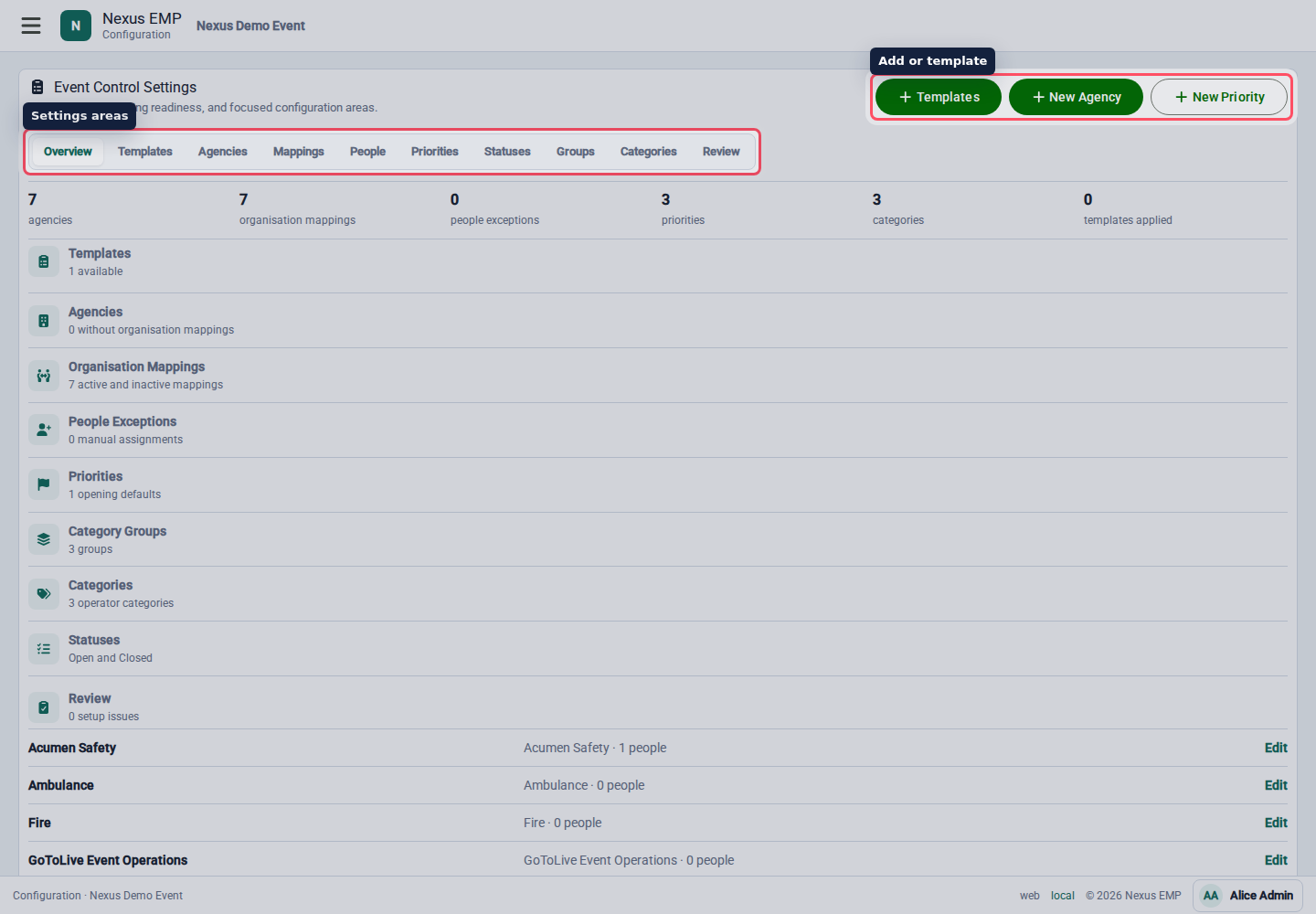
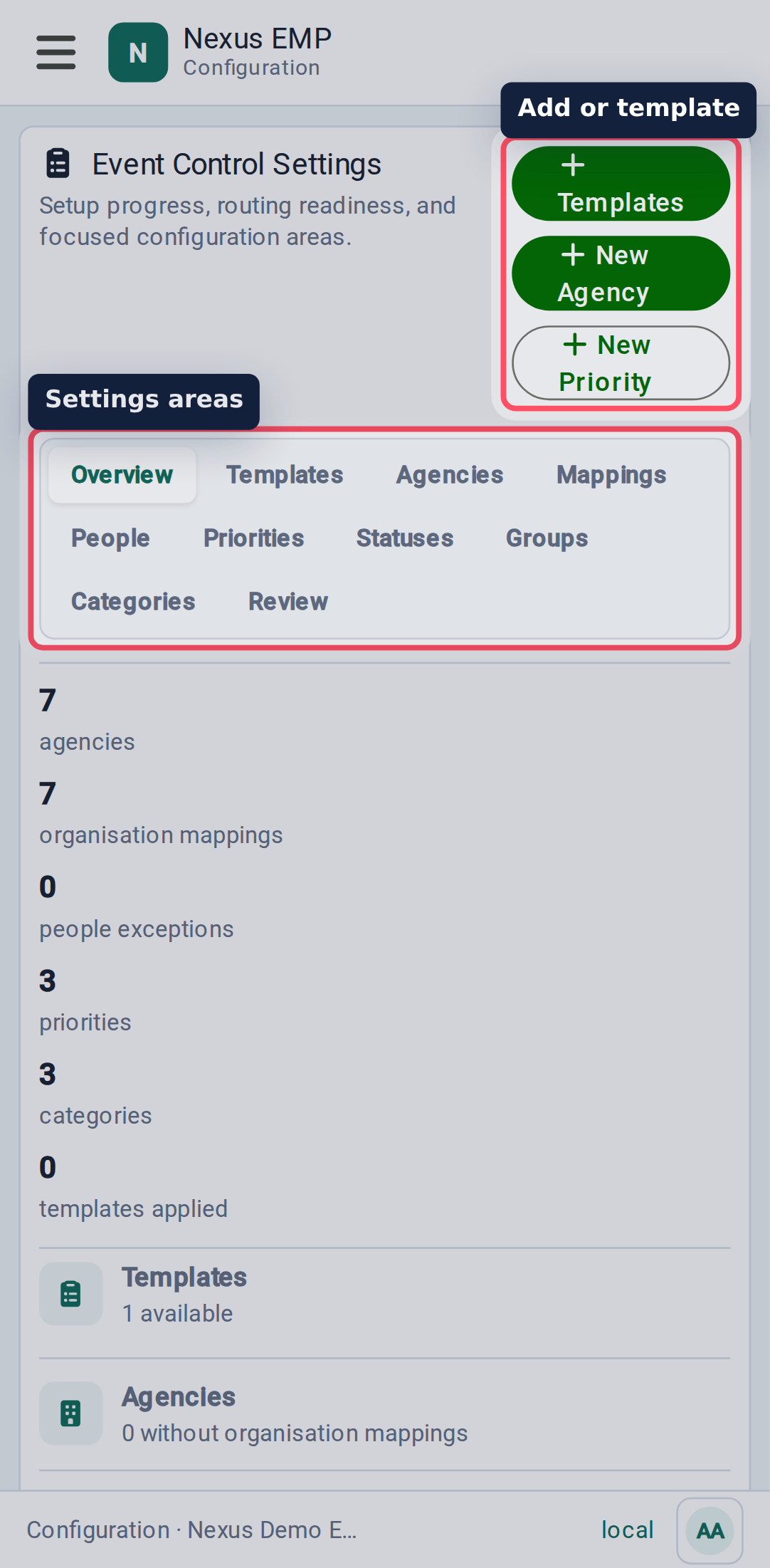
Use the standard template first
Nexus includes a standard Event Control template. Apply it to get a working baseline of agencies, priorities, event statuses, groups, and categories.
Then adjust it for the event:
- remove categories the team will not use;
- add event-specific categories;
- confirm the event statuses match the control-room language;
- map agencies to participating organisations;
- set default priorities and lead agencies.
Start from the standard template unless the event has a proven local model. It gives operators familiar categories and reduces setup mistakes.
Agencies and organisation mappings
Agencies are operational owners in Event Control. Organisation mappings connect those agencies to real organisations involved in the event.
Use mappings when a participating organisation owns an agency role, such as medical, security, stewarding, production, or event control.
People exceptions
People exceptions let setup users handle cases where a person needs an agency relationship that does not follow the normal organisation mapping.
Use exceptions rarely. If a whole organisation needs the role, map the organisation instead.
Priorities
Priorities help operators scan the stack. Keep the number small and make the labels obvious.
Set one opening default so new logs do not start blank. Operators can still change it once the issue is clearer.
Statuses
Statuses describe the state of the event as a whole. Only one status is current at a time, and the current status colours the Event Control footer.
Each status needs a name, colour, sort order, and log category. When an operator changes the event status, Nexus automatically creates a log in that category so the change is part of the event record.
The standard template starts with Stood Down, Normal, Caution, and Emergency. Status changes use the Event Status Change category so the event record can be filtered separately from general notes.
Groups and categories
Groups organise categories. Categories are what operators pick when starting or updating a log.
Groups set the default priority, lead agency, and supporting agencies for their categories. Individual categories can override the priority or lead agency and add category-specific supporting agencies for logs that usually need more than one team involved.
Good categories are short, operational, and specific enough to help later search. Avoid categories that encode too much process. The log comments should hold the story.
Review
Use the review area before show day to check whether the settings make sense together. The goal is not a perfect taxonomy. The goal is a category set the live team will actually use.