Events, collections, participation, and modules
Events are the shows Nexus supports. Collections group related events, such as a series, venue season, or multi-day programme.
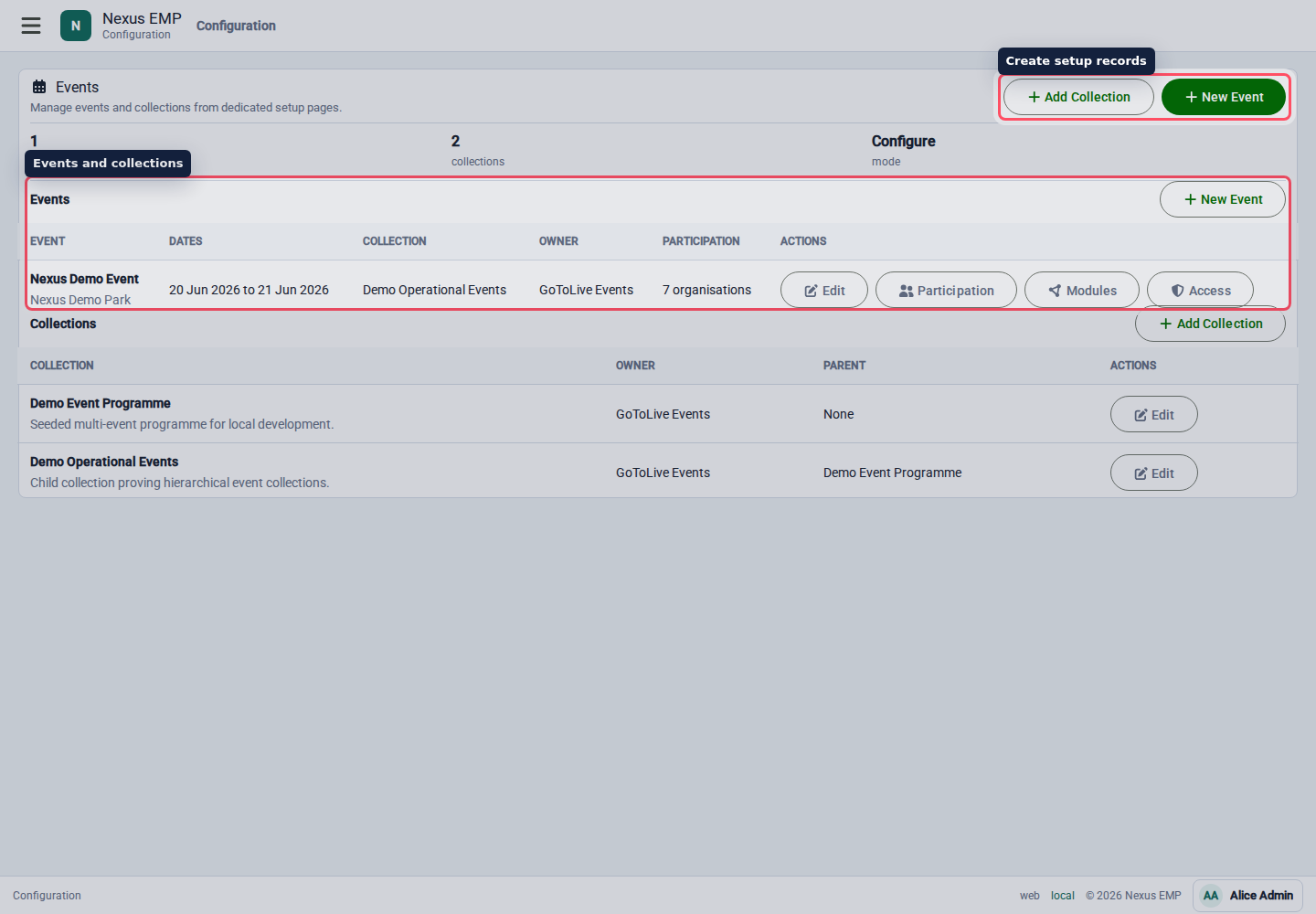
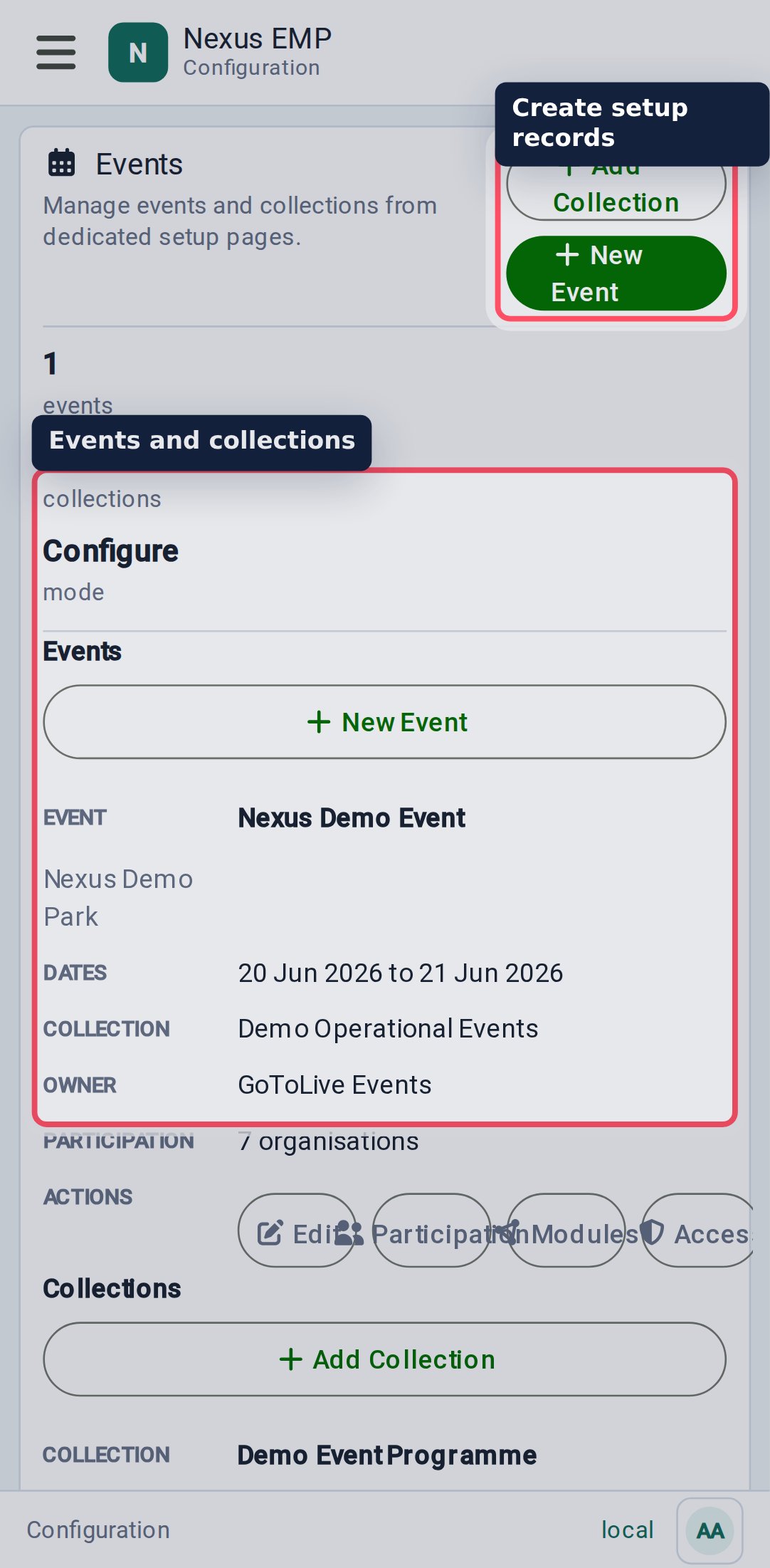
Create an event
Create an event from Configure > Events & Collections.
Add:
- name;
- owner organisation;
- collection, if the event belongs to one;
- start and end date;
- whether writes may continue after the event ends;
- location;
- description.
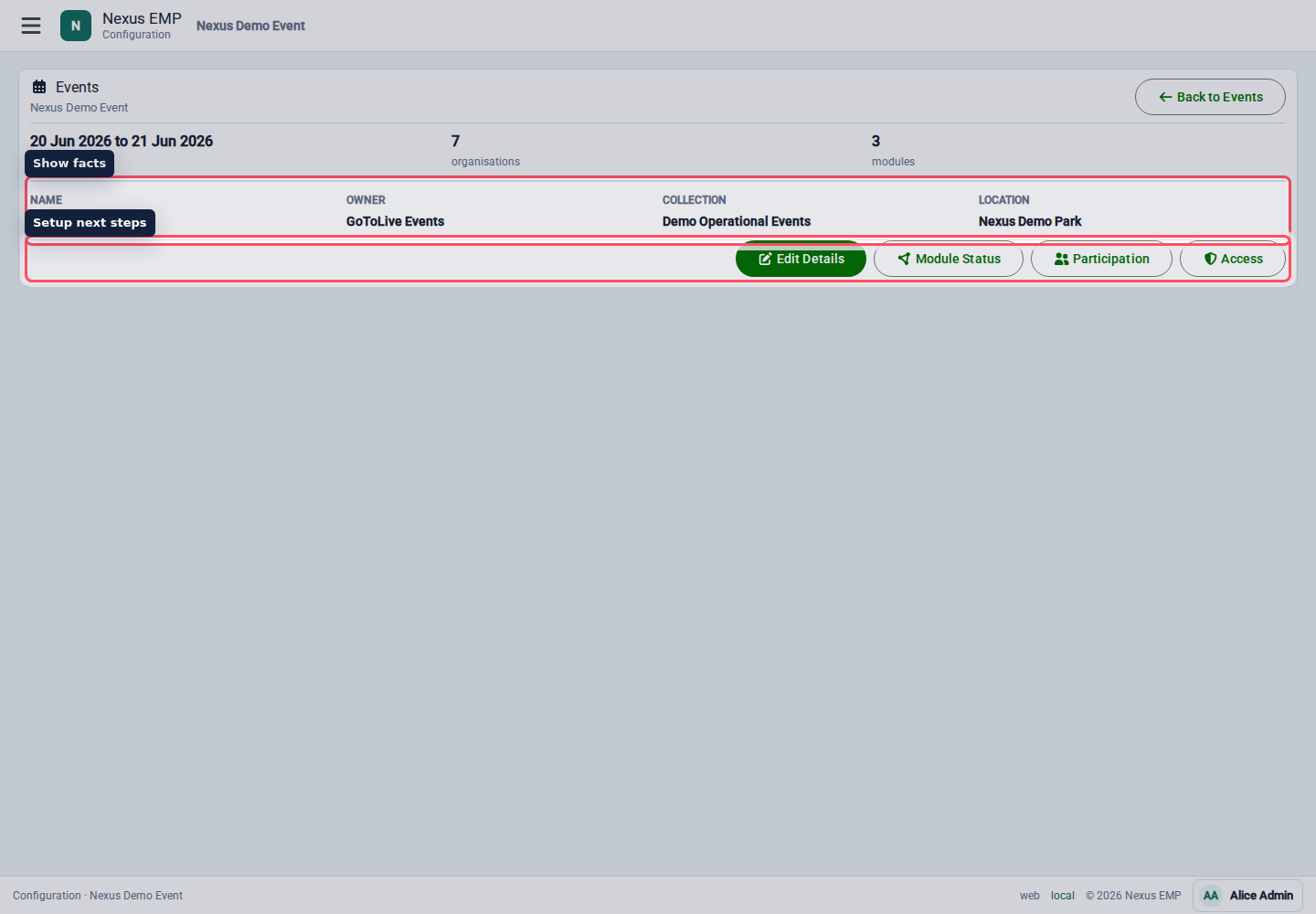
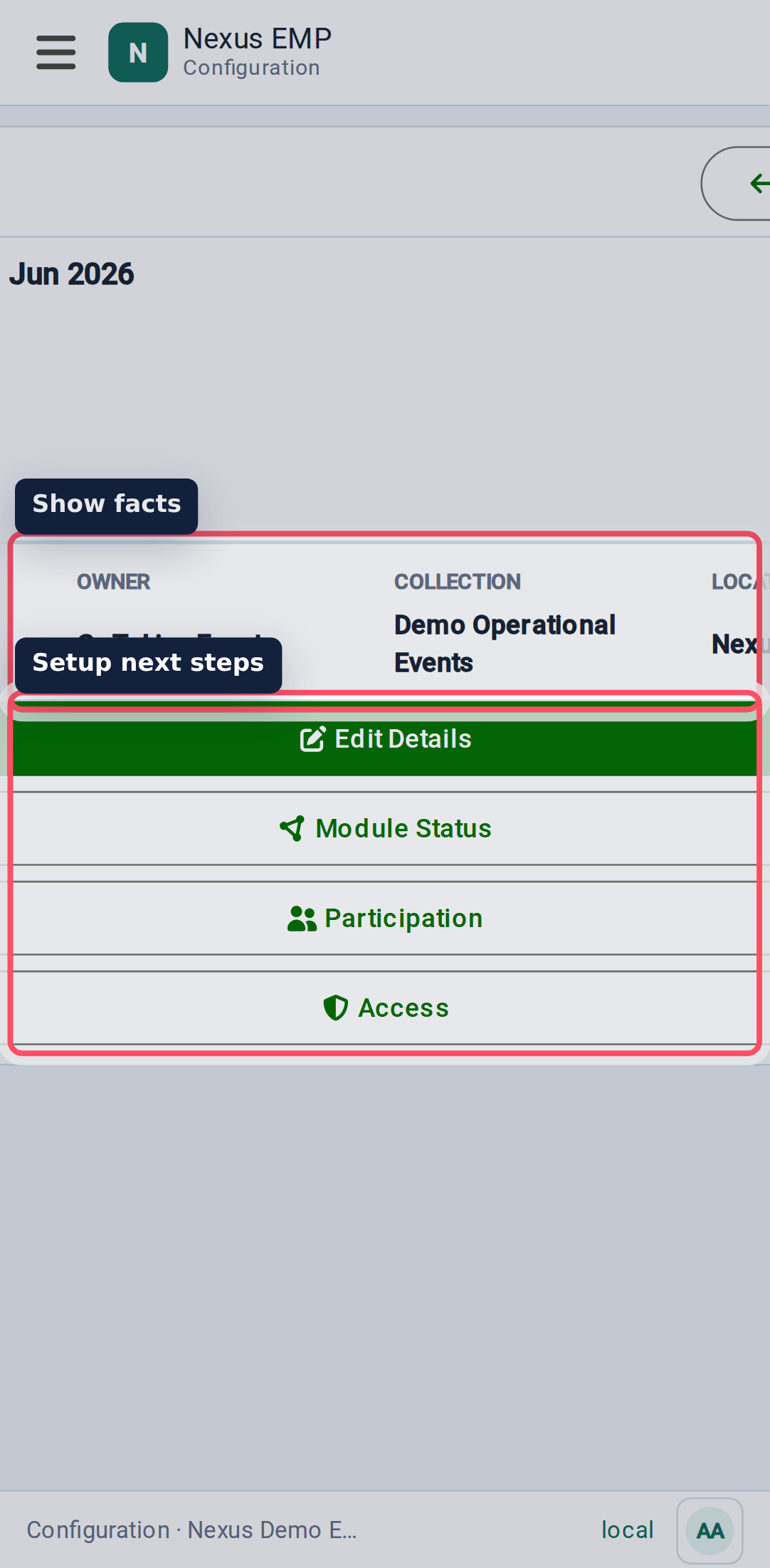
Nexus deliberately keeps the event form focused on event facts. Module setup, participation, access, and maps are separate steps so each decision has a clear owner.
Historic event write policy
After the end date passes, Nexus automatically makes the event read-only. Permitted users can still view and export logs, maps, and documents, but operational and event-scoped configuration writes are rejected.
Use Allow writes after this event ends only for a controlled correction or completion period. Event details remain available so an event administrator can enable this exception. Turning the option off immediately restores the automatic read-only policy. Each change to this exception has its own audit entry.
Historic writes reopen every active module and event-scoped configuration path for users who already have write permission. Turn the option off again when the correction is complete.
Use collections
Use a collection when multiple events share a useful setup story. For example, a repeating venue programme or a multi-day event can share a collection while each event keeps its own dates and live record.
Avoid using collections as a dumping ground. If two shows do not share people, maps, templates, or reporting, they probably do not need the same collection.
Add participation
Participation records which organisations are involved in the event. Add participating organisations before assigning module roles to their people.
Create participation before access. It makes the access screens easier to read and helps prevent roles being assigned to organisations that are not actually part of the show.
Enable modules
Modules control whether a tool is available for the event. Current visible module setup includes Event Control, Mapping, and Documents where the backend has the module registered.
Set each module to Active, Read only, or Disabled and record the reason for the change. Active permits normal operations, read only retains permitted views while blocking writes, and disabled removes ordinary access. Module data and assigned access are retained through every state. Event-specific overrides can be removed with Use inherited state, returning the event to its nearest collection or module-default policy.
For a historic event, the event write policy takes precedence: an otherwise active module behaves as read-only until historic writes are explicitly enabled.
- Activate Event Control when the event will use live logging.
- Activate Mapping when the event needs an event map, even if Event Control is disabled.
- Activate Documents when show files should be shared in Nexus.
- Use read only before disabling a module during live operation.
Module lifecycle is enforced, but the full guided setup experience is still being developed. The current screen does not yet walk a setup user through every module-specific prerequisite and health check.